FTIR分光法における高いバックグラウンドノイズのトラブルシューティング方法
2026年6月8日
High background noise is one of the most common issues encountered in FTIR spectroscopy. Excessive noise can reduce the signal-to-noise ratio, distort spectral peaks, and make qualitative or quantitative analysis unreliable. In severe cases, baseline drift and atmospheric interference can completely mask weak absorption bands.
To effectively troubleshoot FTIR noise problems, it is best to follow a systematic approach: start with environmental conditions, then inspect the optical system, detector, and light source before reviewing sample preparation and software settings. This step-by-step method helps identify the root cause quickly and minimizes instrument downtime.
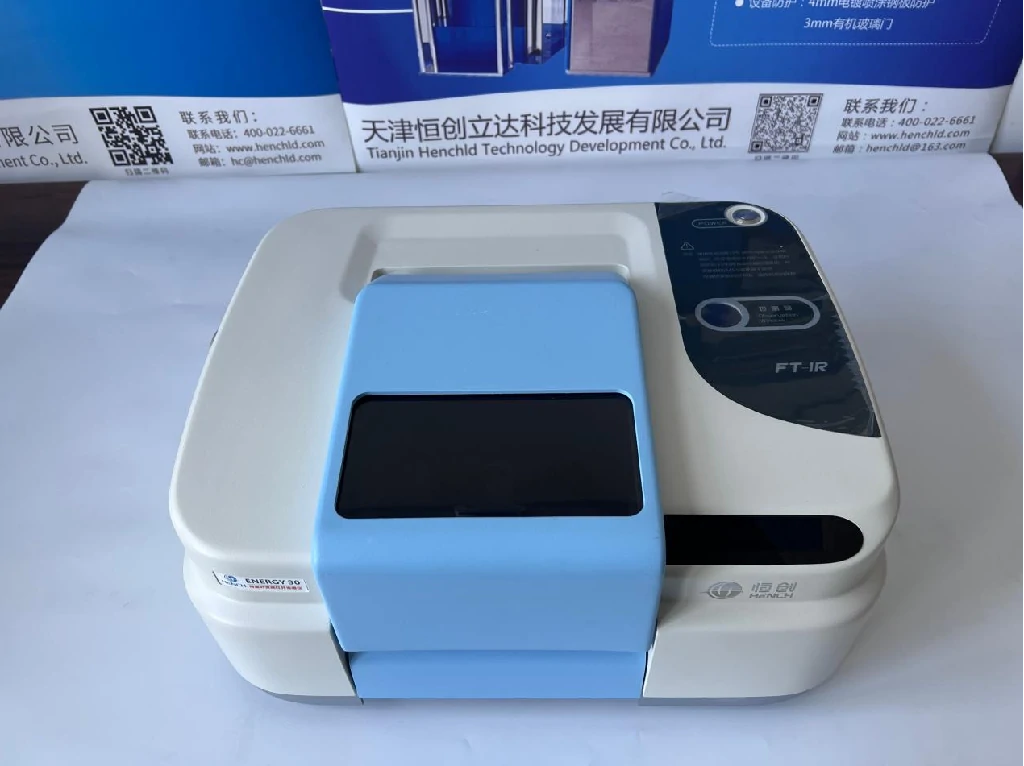
Common Symptoms of FTIR Background Noise
Before troubleshooting, it is important to identify the symptoms correctly.
Typical signs include:
- Unstable or drifting baseline
- Excessive spectral noise
- Reduced signal-to-noise ratio
- Water vapor absorption peaks
- Carbon dioxide interference peaks
- Weak or distorted sample signals
Understanding these symptoms can help narrow down the source of the problem.
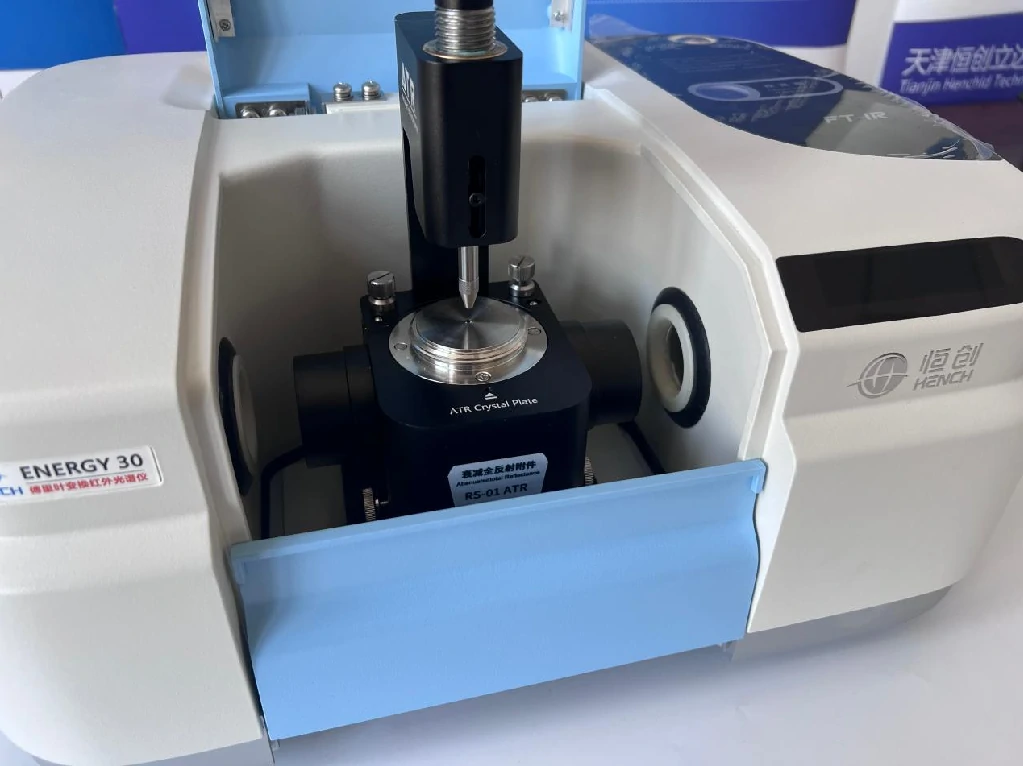
Check Environmental Conditions First
Environmental factors are among the most common causes of high background noise in FTIR spectrometers.
Control Temperature and Humidity
Laboratory temperature should be maintained between 15°C and 25°C with minimal fluctuation. Relative humidity should ideally remain below 50%.
Excessive humidity introduces strong water vapor absorption bands, particularly in the 4000–3400 cm⁻¹ and 2000–1300 cm⁻¹ regions, which can significantly increase spectral noise.
Inspect the Desiccant System
Check the condition of the instrument desiccant regularly. Saturated molecular sieves lose their ability to absorb moisture, allowing water vapor to enter the optical chamber.
Replacing desiccants on schedule helps maintain a stable internal environment and reduces baseline fluctuations.
Minimize Vibration and Airflow
Place the FTIR instrument on a stable workbench or anti-vibration platform. Avoid locating the system near pumps, compressors, centrifuges, or heavy machinery that may generate mechanical vibrations.
Airflow from air conditioning vents can also affect optical stability and should be minimized.
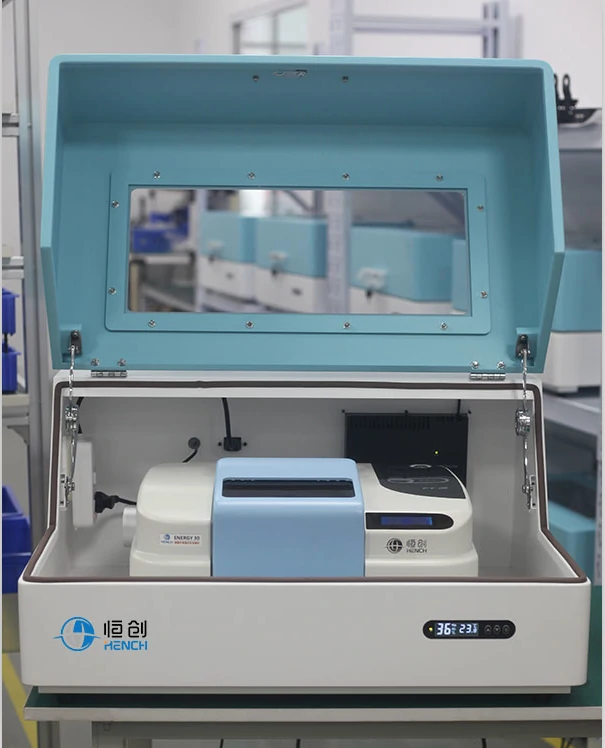
Inspect and Clean the Optical System
Contaminated optical components are a major source of FTIR noise and baseline instability.
Clean Sample Windows and ATR Crystals
Residues from previous samples, fingerprints, and dust can reduce infrared transmission and introduce unwanted spectral artifacts.
Use appropriate cleaning solvents and lint-free wipes according to the manufacturer’s recommendations.
Examine Mirrors and Beam Splitters
Dust accumulation or coating damage on mirrors and beam splitters can reduce optical throughput and generate noise.
If contamination is visible, clean optical components carefully. Damaged beam splitters may require professional replacement.
Verify Interferometer Alignment
The Michelson interferometer is the core of an FTIR spectrometer. Misalignment can significantly reduce signal quality.
Regular instrument calibration helps ensure proper optical alignment and stable interferogram generation.
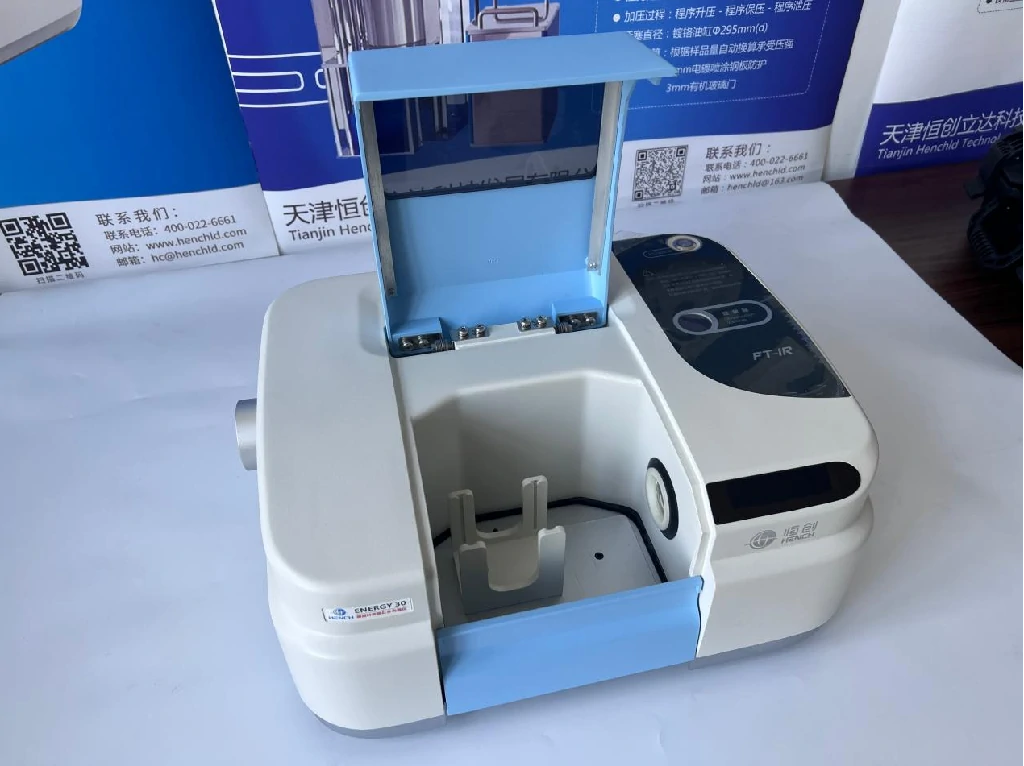
Evaluate the Light Source and Detector
The detector and infrared source directly determine signal strength and measurement sensitivity.
Check for Light Source Aging
Infrared sources gradually lose intensity over time. Aging sources produce lower energy output, resulting in weak signals and increased noise.
If the source has exceeded its recommended service life, replacement may be necessary.
Inspect Detector Performance
Different detector types require different maintenance procedures.
For DTGS detectors:
- Verify electronic stability
- Check amplifier performance
For MCT detectors:
- Ensure adequate liquid nitrogen levels
- Maintain proper operating temperature
Temperature instability can significantly increase detector noise.
Examine Detector Windows
Contaminated or fogged detector windows reduce signal transmission and may contribute to unstable baseline performance.
Optimize Sample Preparation and Scanning Parameters
Improper sample preparation often introduces spectral artifacts that appear as noise.
Improve Sample Quality
For solid samples:
- Grind particles uniformly
- Use proper KBr pellet ratios
- Avoid excessive pellet thickness
For liquid samples:
- Remove moisture contamination
- Use clean sample cells
- Select appropriate solvents
Increase the Number of Scans
Increasing scan accumulation from 32 scans to 64 or 128 scans can substantially improve the signal-to-noise ratio.
Select Appropriate Resolution
Excessively high spectral resolution may amplify background noise without providing meaningful analytical benefits.
Choose a resolution that balances spectral detail and signal quality.
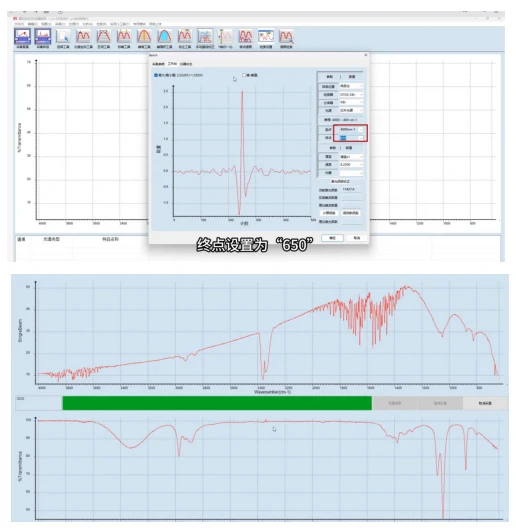
Use Software Correction and Routine Calibration
Modern FTIR software includes several tools for noise reduction and spectral correction.
Apply Atmospheric Compensation
Atmospheric correction functions can automatically reduce interference caused by water vapor and carbon dioxide.
Perform Routine Calibration
Monthly calibration should include:
- Wavenumber accuracy verification
- Energy calibration
- Baseline performance checks
- Standard reference sample testing
Regular calibration ensures long-term instrument stability and reliable analytical results.
Maintain Stable Power Supply
Voltage fluctuations can affect detector electronics and infrared source performance.
Using an uninterruptible power supply (UPS) helps maintain stable instrument operation and reduces unexpected noise problems.
Preventive Maintenance Reduces FTIR Noise
Many FTIR noise issues can be avoided through routine preventive maintenance.
Recommended practices include:
- Regular desiccant replacement
- Optical component cleaning
- Detector inspection
- Source performance monitoring
- Software updates
- Scheduled instrument calibration
A proactive maintenance program not only reduces background noise but also extends instrument lifespan and improves data reliability.
結論
High background noise in FTIR spectroscopy is typically caused by environmental fluctuations, optical contamination, detector problems, source aging, improper sample preparation, or calibration issues. By systematically inspecting each component of the FTIR system and implementing routine maintenance procedures, laboratories can significantly improve signal-to-noise ratio, reduce baseline drift, and ensure accurate, repeatable spectral measurements.