Background Interference in FTIR Analysis: Sources and Effective Elimination Methods
January 12, 2026
In FTIR Accessories, background interference has a direct impact on baseline flatness, peak shape accuracy, and the reliability of both qualitative and quantitative analysis. Uncontrolled interference can obscure weak absorption bands, distort spectral features, and compromise reproducibility, particularly in trace or high-precision measurements.
To support routine laboratory operation and troubleshooting, the most common sources of background interference and their corresponding mitigation strategies are summarized below.
Table 1. Common FTIR Background Interference and Practical Countermeasures
| Interference Category | Typical Spectral Features | Primary Cause | Recommended Action |
|---|---|---|---|
| Atmospheric H₂O | Broad band near 3400 cm⁻¹; peak at 1640 cm⁻¹ | High ambient humidity | Background scan synchronization; dry gas purging; humidity control |
| Atmospheric CO₂ | Peaks at 2360, 2340, 667 cm⁻¹ | CO₂ concentration fluctuations | Background subtraction under identical conditions |
| Impure or moist KBr | Water and carbonate absorption | Undried or low-purity KBr | Use ≥99.9% KBr; drying and desiccated storage |
| Window contamination | Residual or random peaks | Sample residue on windows | Thorough cleaning and proper storage |
| Sample impurities | Additional absorption bands | Moisture, solvents, additives | Sample purification and drying |
| Particle scattering | Baseline elevation, peak broadening | Oversized particles | Fine grinding or mull method |
| Instrument instability | Baseline drift, noise | Aging source or detector issues | Maintenance, calibration, parameter optimization |
This table is intended as a quick diagnostic reference for FTIR users encountering abnormal baselines or unexpected absorption features.
1. Atmospheric Component Interference (Most Common)
Source of Interference
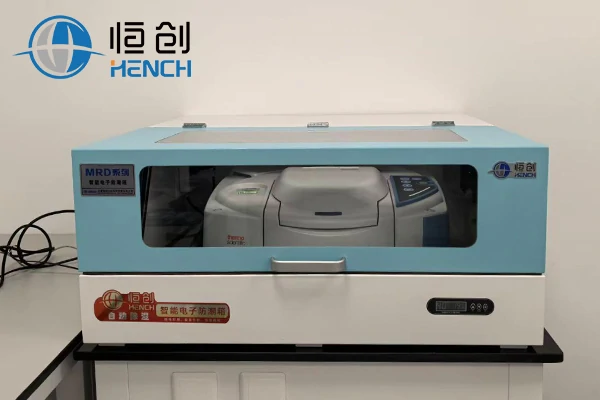
Atmospheric water vapor (H₂O) and carbon dioxide (CO₂) exhibit strong and characteristic infrared absorption bands:
- H₂O: Broad absorption near 3400 cm⁻¹ and a bending vibration around 1640 cm⁻¹
- CO₂: Strong absorption bands at 2360 cm⁻¹, 2340 cm⁻¹, and 667 cm⁻¹
These absorption features frequently overlap with sample peaks, significantly affecting the analysis of low-concentration or moisture-sensitive samples.
Solutions
Synchronized Background and Sample Scanning
Before each sample measurement, a background scan should be collected under identical environmental conditions using an empty optical path or a blank substrate. FTIR software then subtracts atmospheric H₂O and CO₂ contributions from the sample spectrum.
Purification of the Infrared Optical Path
- Continuously purge the optical path with dry, high-purity nitrogen or dry air
- Install desiccants such as anhydrous calcium chloride or molecular sieves and replace them regularly
Laboratory Environmental Control
- Maintain laboratory relative humidity below 50%
- Prevent moisture exposure of samples and optical components
- Minimize personnel movement near the instrument to reduce short-term CO₂ concentration fluctuations
2. Sample Carrier or Diluent Interference
Source of Interference
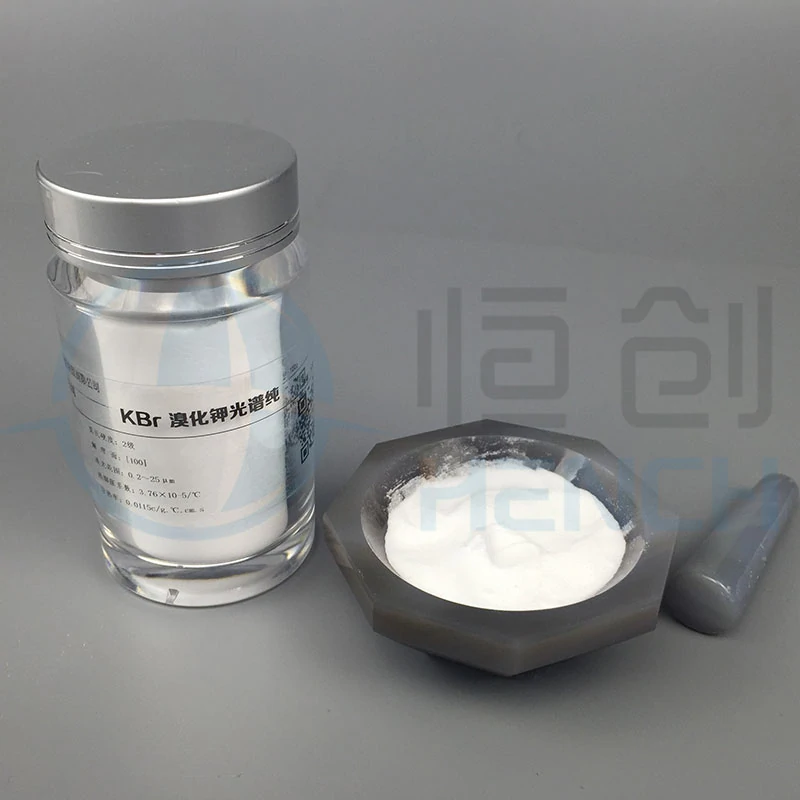
For solid samples analyzed using the KBr pellet method, insufficiently pure or moisture-contaminated KBr introduces unwanted absorption bands, particularly from water and carbonate impurities.
For liquid samples, poorly cleaned KBr or NaCl window plates may retain residues from previous samples, resulting in spectral contamination.
Solutions
Selection of High-Purity Carrier Materials
- Use spectroscopy-grade KBr with a purity of ≥ 99.9%
- Dry KBr powder at 110 °C for at least 24 hours prior to pellet preparation
- For liquid cells, select window materials such as KBr, NaCl, or ZnSe based on sample polarity and solvent compatibility
Carrier Pre-treatment
- Grind dried KBr to a particle size below 2 μm to reduce scattering effects
- Clean window plates with anhydrous ethanol or acetone, dry thoroughly, and store in a desiccator
Blank Subtraction Method
Collect a background spectrum using a pure KBr pellet or a clean blank window plate to subtract the intrinsic absorption of the carrier material.
3. Interference Originating from the Sample Itself
Source of Interference
Sample Impurities
Moisture, residual solvents, plasticizers, or additives present in the sample can generate additional absorption peaks that interfere with functional group identification.
Light Scattering Effects
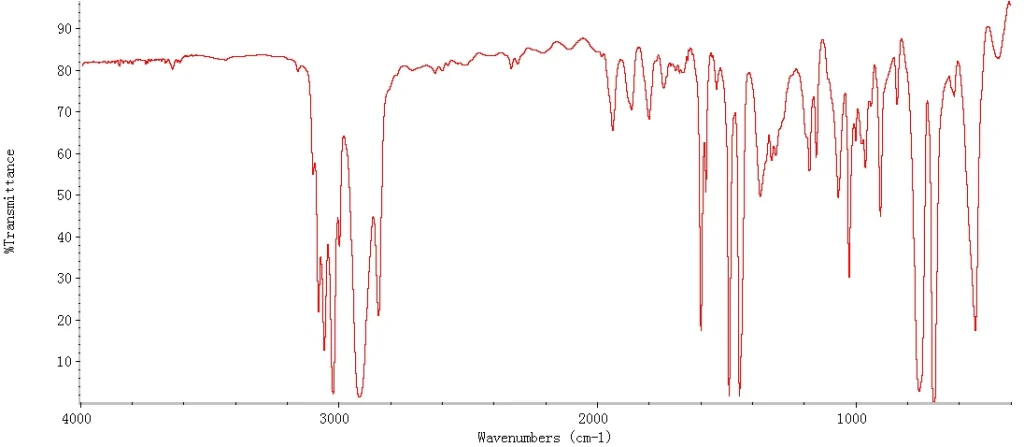
If solid sample particles are larger than the infrared wavelength, scattering occurs, leading to baseline elevation and peak broadening, particularly in the high-wavenumber region.
Solutions
Sample Pretreatment and Purification
- Solid samples: Remove impurities via recrystallization, extraction, or distillation
- Liquid samples: Eliminate solvents using vacuum evaporation or dry with anhydrous sodium sulfate
- For water-containing samples, differential spectroscopy may be applied when analyzing regions outside water absorption bands
Reduction of Sample Particle Size
- Grind solid samples to particle sizes below 2 μm
- Alternatively, use the mull method with paraffin oil to minimize scattering
4. Instrument System Interference
Source of Interference
- Aging infrared light sources or power supply fluctuations causing baseline drift
- Detector noise due to temperature instability or contamination, particularly for MCT detectors
- Dust or residues on mirrors and beam splitters affecting optical transmission
Solutions
Routine Instrument Maintenance and Calibration
- Regularly inspect and replace aging light sources
- Ensure stable power supply conditions
- Maintain detectors at specified operating temperatures; MCT detectors require liquid nitrogen cooling
- Clean optical components using lint-free wipes and absolute ethanol
Optimization of Measurement Parameters
- Increase the number of scans (e.g., 64 or 128) to improve signal-to-noise ratio
- Use a resolution of 4 cm⁻¹ for routine measurements to balance noise and peak clarity
Common Symptoms of FTIR Background Noise
Before troubleshooting, it is important to identify the symptoms correctly.
Typical signs include:
- Unstable or drifting baseline
- Excessive spectral noise
- Reduced signal-to-noise ratio
- Water vapor absorption peaks
- Carbon dioxide interference peaks
- Weak or distorted sample signals
Understanding these symptoms can help narrow down the source of the problem.
Check Environmental Conditions First
Environmental factors are among the most common causes of high background noise in FTIR spectrometers.
Control Temperature and Humidity
Laboratory temperature should be maintained between 15°C and 25°C with minimal fluctuation. Relative humidity should ideally remain below 50%.
Excessive humidity introduces strong water vapor absorption bands, particularly in the 4000–3400 cm⁻¹ and 2000–1300 cm⁻¹ regions, which can significantly increase spectral noise.
Inspect the Desiccant System
Check the condition of the instrument desiccant regularly. Saturated molecular sieves lose their ability to absorb moisture, allowing water vapor to enter the optical chamber.
Replacing desiccants on schedule helps maintain a stable internal environment and reduces baseline fluctuations.
Minimize Vibration and Airflow
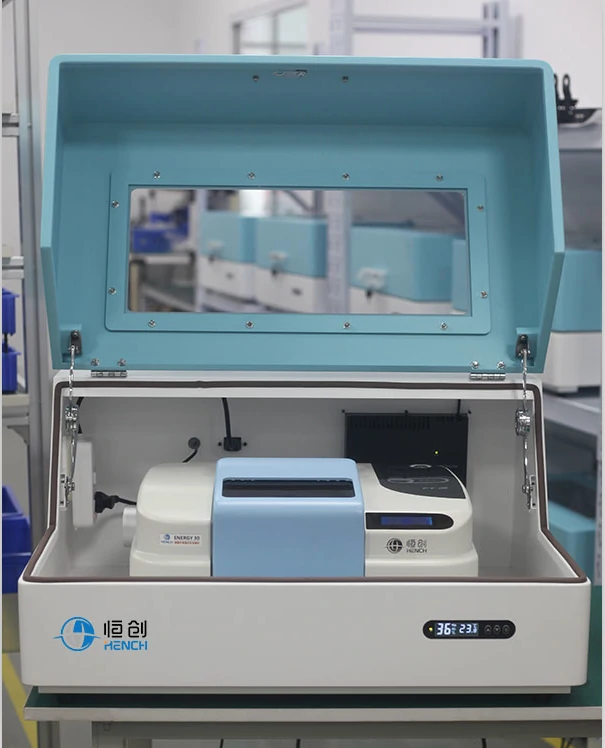
Place the FTIR instrument on a stable workbench or anti-vibration platform. Avoid locating the system near pumps, compressors, centrifuges, or heavy machinery that may generate mechanical vibrations.
Airflow from air conditioning vents can also affect optical stability and should be minimized.
Inspect and Clean the Optical System
Contaminated optical components are a major source of FTIR noise and baseline instability.
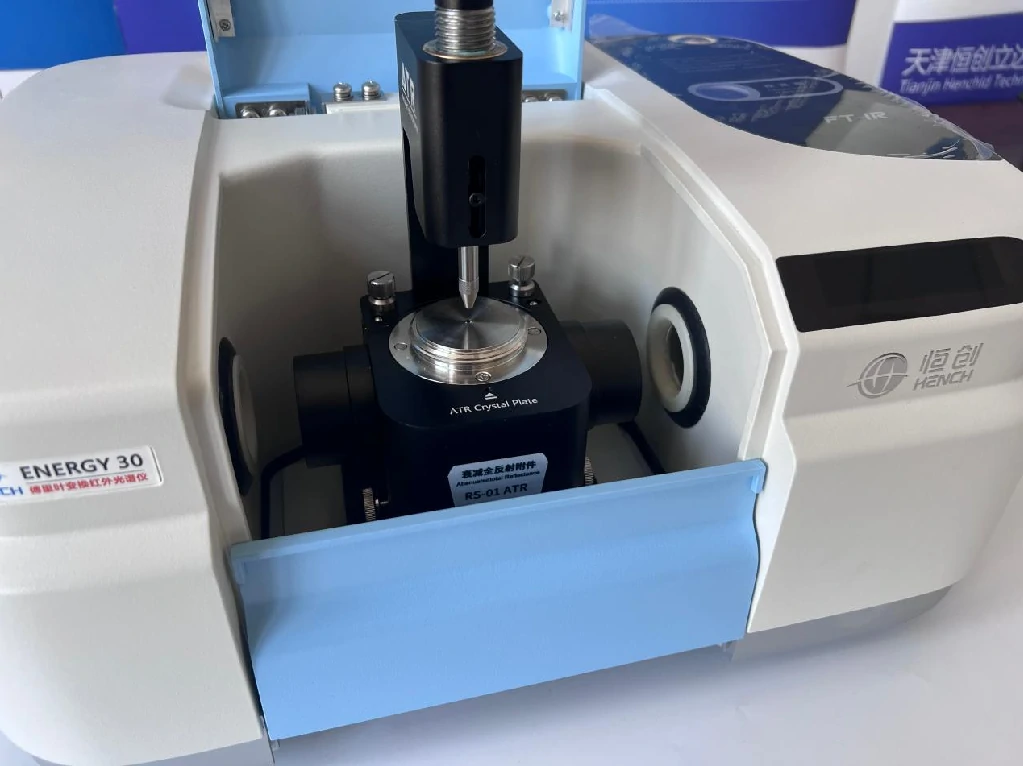
Clean Sample Windows and ATR Crystals
Residues from previous samples, fingerprints, and dust can reduce infrared transmission and introduce unwanted spectral artifacts.
Use appropriate cleaning solvents and lint-free wipes according to the manufacturer’s recommendations.
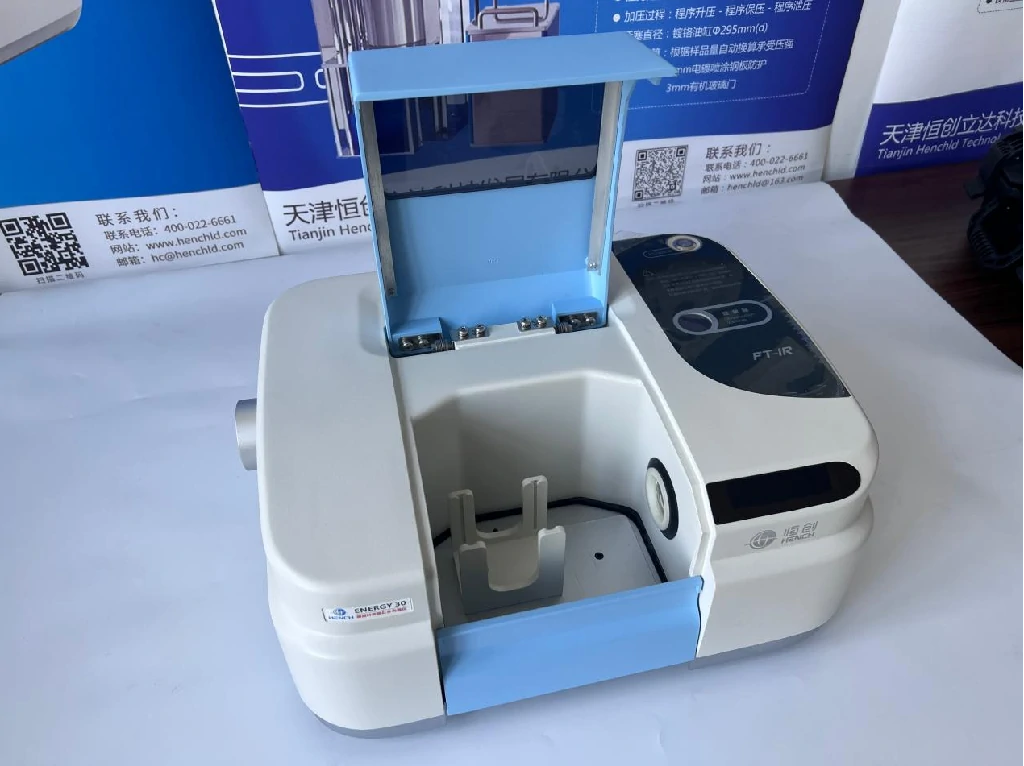
Examine Mirrors and Beam Splitters
Dust accumulation or coating damage on mirrors and beam splitters can reduce optical throughput and generate noise.
If contamination is visible, clean optical components carefully. Damaged beam splitters may require professional replacement.
Verify Interferometer Alignment
The Michelson interferometer is the core of an FTIR spectrometer. Misalignment can significantly reduce signal quality.
Regular instrument calibration helps ensure proper optical alignment and stable interferogram generation.
Evaluate the Light Source and Detector
The detector and infrared source directly determine signal strength and measurement sensitivity.
Check for Light Source Aging
Infrared sources gradually lose intensity over time. Aging sources produce lower energy output, resulting in weak signals and increased noise.
If the source has exceeded its recommended service life, replacement may be necessary.
Inspect Detector Performance
Different detector types require different maintenance procedures.
For DTGS detectors:
- Verify electronic stability
- Check amplifier performance
For MCT detectors:
- Ensure adequate liquid nitrogen levels
- Maintain proper operating temperature
Temperature instability can significantly increase detector noise.
Examine Detector Windows
Contaminated or fogged detector windows reduce signal transmission and may contribute to unstable baseline performance.
Optimize Sample Preparation and Scanning Parameters
Improper sample preparation often introduces spectral artifacts that appear as noise.
Improve Sample Quality
For solid samples:
- Grind particles uniformly
- Use proper KBr pellet ratios
- Avoid excessive pellet thickness
For liquid samples:
- Remove moisture contamination
- Use clean sample cells
- Select appropriate solvents
Increase the Number of Scans
Increasing scan accumulation from 32 scans to 64 or 128 scans can substantially improve the signal-to-noise ratio.
Select Appropriate Resolution
Excessively high spectral resolution may amplify background noise without providing meaningful analytical benefits.
Choose a resolution that balances spectral detail and signal quality.
Use Software Correction and Routine Calibration
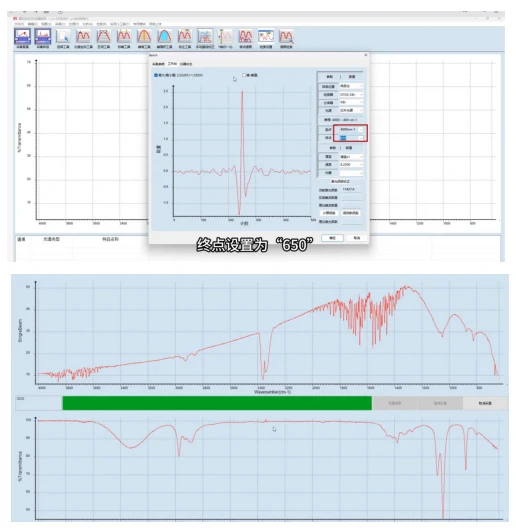
Modern FTIR software includes several tools for noise reduction and spectral correction.
Apply Atmospheric Compensation
Atmospheric correction functions can automatically reduce interference caused by water vapor and carbon dioxide.
Perform Routine Calibration
Monthly calibration should include:
- Wavenumber accuracy verification
- Energy calibration
- Baseline performance checks
- Standard reference sample testing
Regular calibration ensures long-term instrument stability and reliable analytical results.
Maintain Stable Power Supply
Voltage fluctuations can affect detector electronics and infrared source performance.
Using an uninterruptible power supply (UPS) helps maintain stable instrument operation and reduces unexpected noise problems.
Preventive Maintenance Reduces FTIR Noise
Many FTIR noise issues can be avoided through routine preventive maintenance.
Recommended practices include:
- Regular desiccant replacement
- Optical component cleaning
- Detector inspection
- Source performance monitoring
- Software updates
- Scheduled instrument calibration
A proactive maintenance program not only reduces background noise but also extends instrument lifespan and improves data reliability.
Practical Takeaway
From an application perspective, effective control of FTIR background interference relies on a structured workflow:
Environmental control → Sample and carrier preparation → Background synchronization → Instrument optimization
Applying these measures systematically allows FTIR users to obtain stable baselines, well-defined absorption peaks, and reproducible spectra suitable for routine analysis and advanced research.

Explore our products: